
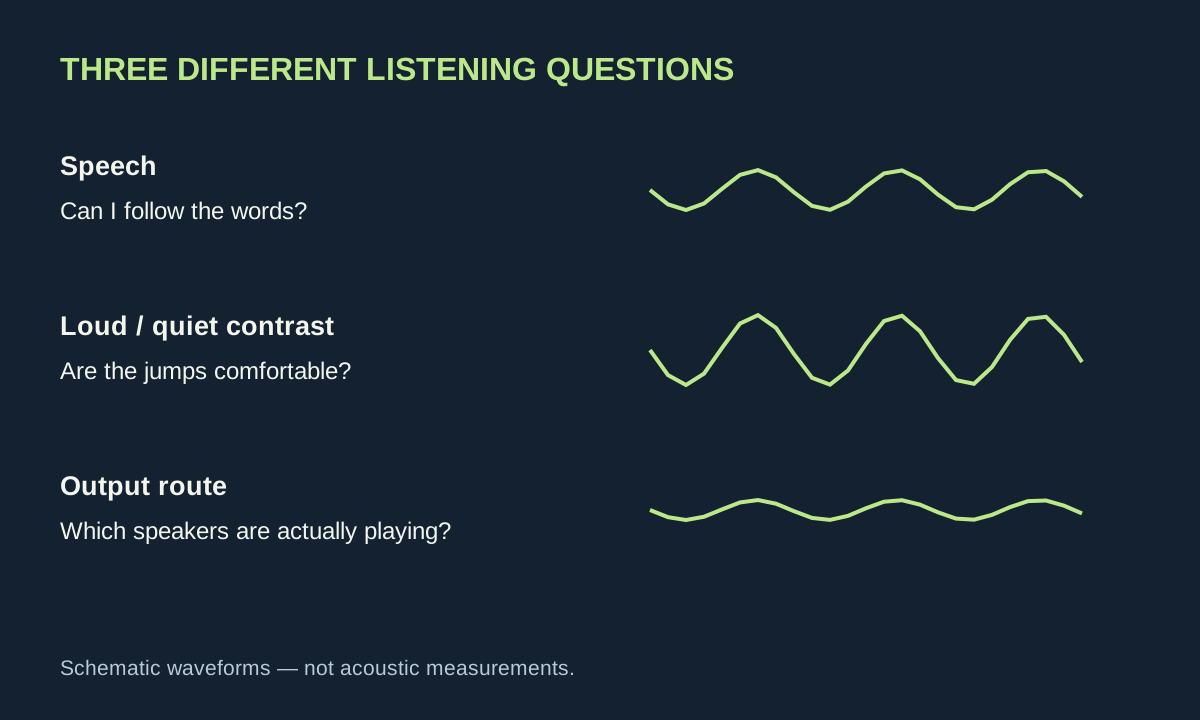
Turning up the television can make everything louder without making a conversation easier to follow. Music grows, a passing vehicle becomes more dramatic, and the next quiet sentence still disappears. A more useful question is where the words are getting lost. This guide offers a repeatable listening test, using equipment already in the room.
The aim is comfortable comprehension. It is not a hearing test, and it does not promise that one menu option can repair every mix. Programmes, speakers, seating and individual preferences differ. Subtitles are a normal viewing choice throughout the process, not an admission that the experiment has failed.
Pick a scene that lets you compare fairly
Use a short conversation containing both a quiet line and some background sound. Note its time so that you can return to exactly the same passage. Start at a comfortable volume and write down three observations: which words are difficult, whether louder effects become uncomfortable, and whether voices seem distant or merely quiet.
Then play a second programme with an ordinary studio conversation. If that is easy to understand, the first programme’s mix deserves attention. If both are difficult, investigate placement and configuration. This comparison does not isolate every variable, but it is more useful than switching channels at random while moving the volume up and down.
Ask a second viewer for their own notes before sharing yours. Agreement can identify a repeatable issue; disagreement is useful too. A household may need more than one saved listening preset rather than a debate about whose preference is correct.
Remove a physical obstacle before adding an effect
Check where the sound actually emerges. Some television speakers face down or backwards; a soundbar may sit behind a decorative object or inside a deep cabinet. Consult the equipment’s installation instructions and make sure the openings are unobstructed. Avoid improvised mounting, covered ventilation slots or precarious stacks of books.
Try your normal seat and a second sensible position. Listen for whether the words change more with the seat than with the volume. A hard, sparsely furnished room and a room with curtains and soft furnishings can behave differently, but this is an observation exercise, not a prescription to buy acoustic panels.
For an original comparison, replay the same thirty seconds with an existing curtain open and closed, keeping the volume fixed. Record what you actually hear. If there is no clear improvement, do not award the change an imaginary benefit. Ordinary background noise—a fan, conversation or an open window—can also make a meaningful comparison difficult.
Understand the three common controls
Dialogue enhancement attempts to make speech more prominent. Dynamic range control, sometimes presented as a night mode, reduces the contrast between quieter and louder passages. Equalisation changes the balance of frequency ranges. A television may combine several processes behind one preset, so the label alone is not a guarantee of what it does.
Dolby’s AC-4 documentation treats dialogue enhancement and dynamic range control as distinct capabilities. That does not mean every programme, service or television exposes separate dialogue. Availability depends on the complete delivery and playback chain.
Try one relevant control at a time. If a night mode makes quiet speech easier while preventing large jumps in volume, it may fit evening viewing. If voices become thin, harsh or unnatural, reduce the setting or return to the previous mode. A feature can solve one problem while creating another.
Check the output route
Write down the actual path: television speakers, television to soundbar, or external player to receiver. Make sure the selected output corresponds to the speakers you are using. With a receiver, check its speaker configuration against the physical system and follow its documented setup procedure; do not tell it that a centre speaker exists when none is connected.
Where an app offers different language or audio tracks, compare only options that genuinely match your language and system. A stereo and surround presentation can differ, but a forced format change is not automatically an improvement. Keep track of the original selection and restore it if speech or other sounds disappear.
Bluetooth headphones or other alternate outputs can help determine whether the room is contributing, if you already have them. Keep the level comfortable. Their different processing and delay mean that a better result does not prove the built-in speakers are defective; it simply identifies a useful alternate listening route.
Make captions readable from your seat
Look for subtitles or closed captions in the programme’s accessibility options. When a service offers both, captions commonly include useful non-speech information such as a sound or a speaker cue. Available languages, accuracy, appearance controls and timing vary by title and service. Test the actual programme rather than assuming a device-wide preference reaches every app.
Adjust size and background only as far as the interface allows. Check a bright scene and a dark one, and read from your usual seat. The useful test is whether words remain comfortable to read without covering details you need. A style that looks attractive in a settings preview may be harder to follow during a fast conversation.
Keep the result simple
Finish with a tiny comparison record: “original preset”, “speech preset” and “evening preset”, followed by one sentence describing each. Retest with the second programme. Save only changes that help in ordinary viewing, and leave a clear way for other household members to choose their preferred output.
If the sound seems out of step with lips, investigate audio delay separately. If the picture freezes as speech breaks up, use our streaming diagnosis. Neither problem is solved reliably by raising treble. A successful listening session ends with an identifiable improvement and a repeatable setting, not a shopping list.